

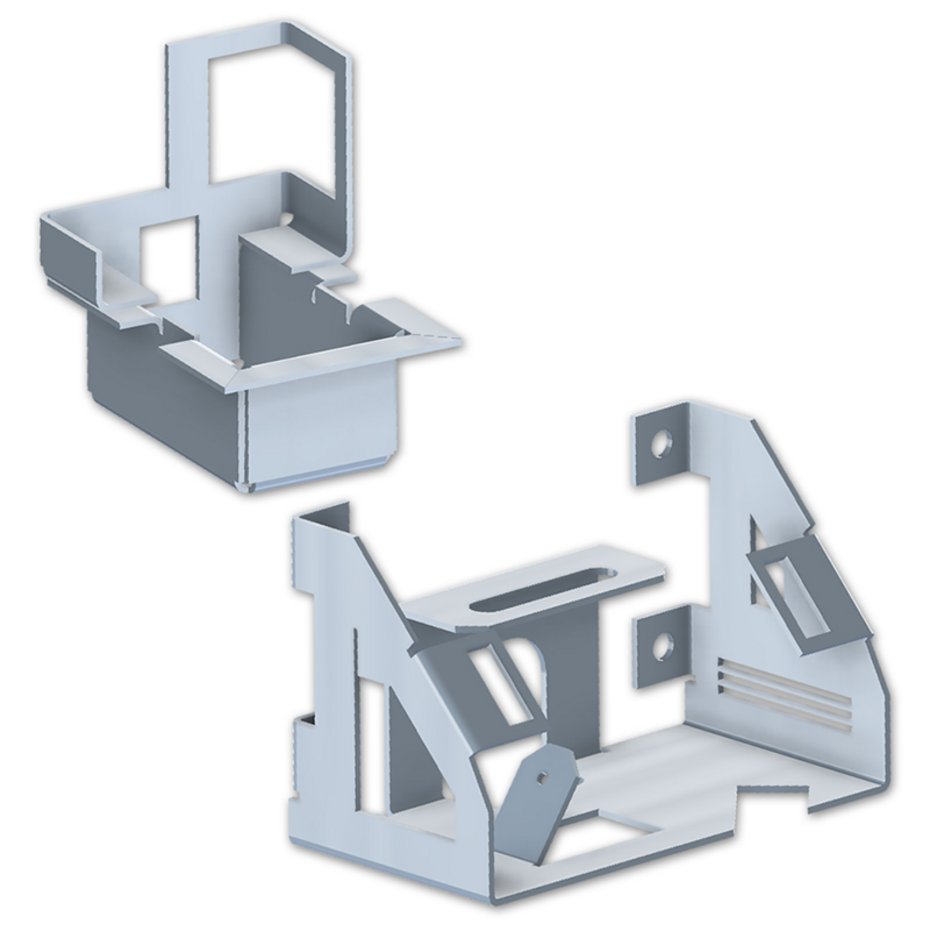
COPRA MetalBender 3D
Non-parametric 3D sheet metal part design and flat pattern calculation / unfolding, professional tool administration, punch and contour punch functionality
The COPRA MetalBender 3D is based on the solid modeler integrated in AutoCAD or AutoCAD Mechanical, the COPRA MetalBender 3D provides the entire 3D functionality.
The powerful design utilities allow an easy and quick design of even very complex sheet metal parts. Flanges to be added can be filleted or sharp-edged, with or without relief cut as well as with a predefined offset from the reference edge.
The integrated preview allows a collision control already during the definition of the flange parameter. The flange design features are using dialogue windows with a clear structure. COPRA MetalBender 3D also provides the possibility to convert 2D shapes or contours automatically into 3D solid models. Complex flange or box-type shapes can thus be easily designed as 2D polylines and cam be easily and quickly be converted into a 3D sheet metal part. Occurring intersection curves will be calculated automatically. The thus created solid model can be completed with all necessary features like punch holes, notchings and piercings.
Drawing generation
The COPRA MetalBender 3D automatically derives from the 3D sheet metal part design the 2D front-, side- and plan view. Optionally the dimensions will be added. The flat pattern calculated can also be dimensioned automatically with the help of the COPRA MetalBender 3D taking into account different dimensioning styles.
Everything in one package
Powerful design software
The COPRA MetalBender 3D ist the professional package of the COPRA MetalBender family for the sheet metal part design and includes - in addition to the 3D functionality - also the modules CMB 2D and CMB Solver.
Highlights of the COPRA MetalBender 3D
- User friendly handling
- Exact and fast flat pattern calculation including all punch holes etc.
- Design in 2D, automatic conversion into 3D
- Powerful editing tools
- Comfortable 2D-view creation of solid models
- Automatic dimensioning of the flat pattern and of all selected 2D views
- Optimisation of the flat pattern data for easy NC-programming